


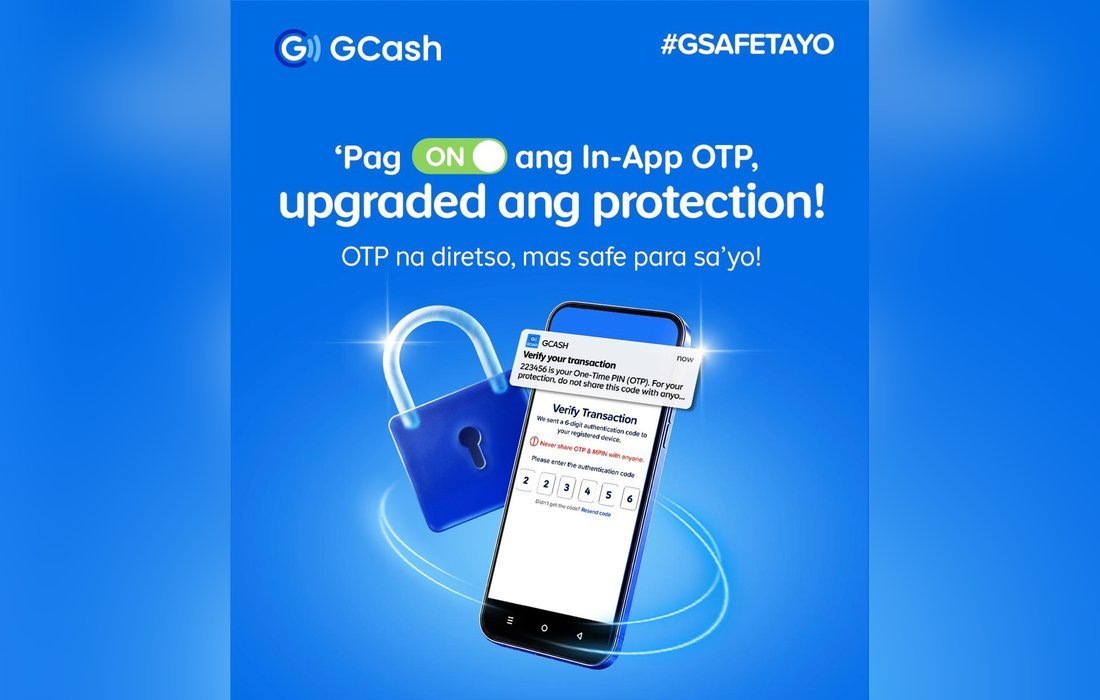
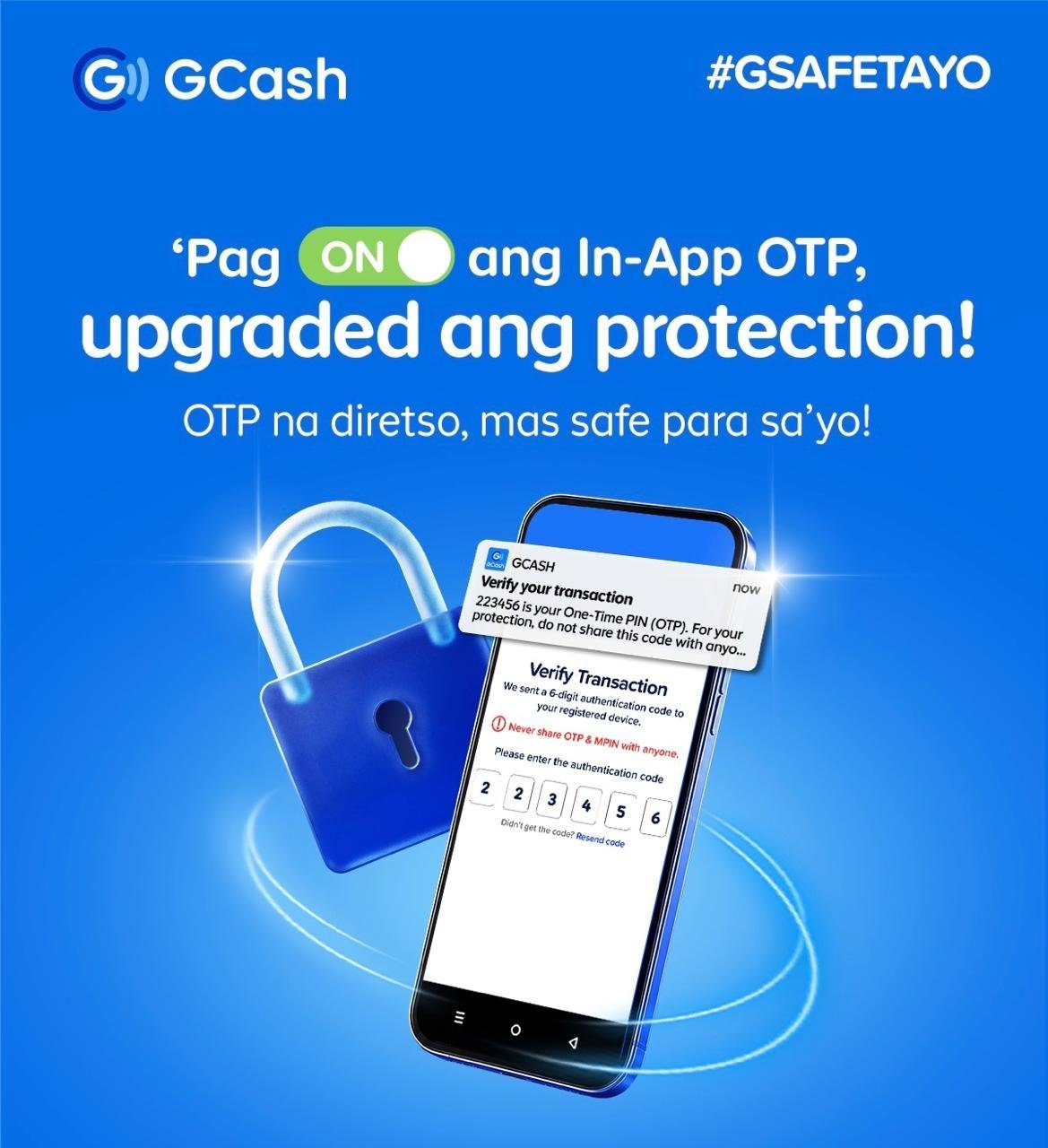
Scammers love SMS codes, so GCash wants you to move to a safer option. The GCash in-app OTP sends your one-time pin straight to the app, so only the account owner can receive and approve a request. Moreover, it speeds things up because you no longer switch apps, retype codes or wait for a text.
Why in-app OTPs are safer
In-app OTPs help protect users from SMS-based scams. They are part of GCash’s wider push for Multi-Factor Authentication, which lowers the risk of account takeovers even if a password or MPIN is compromised. GCash also uses Know-Your-Customer checks and Facial Recognition verification, called Double Safe.
How to enable it in three steps
In-app OTPs arrive as push notifications, so notifications must be on. First, open the Settings app on your phone. Second, tap Notifications and find GCash in the list. Third, switch on Allow Notifications. After that, your phone receives GCash OTPs through secure push alerts.
Staying a step ahead of scams
As scams get more sophisticated, GCash says it will keep strengthening platform security. For more information, visit GCash. GCash calls itself the Philippines’ number one finance super app, and its wallet operations run through G-Xchange, Inc., a subsidiary of Mynt.
Part of a bigger security push
GCash describes in-app OTPs as part of its broader strategy to strengthen security through Multi-Factor Authentication, a widely used industry standard that adds more layers of protection when accessing an account. As digital scams keep evolving, the company says it remains committed to setting a higher standard for safe and secure digital finance in the Philippines.
About GCash
GCash calls itself the Philippines’ #1 Finance Super App and Largest Cashless Ecosystem. Users can buy prepaid airtime, pay bills, send money, shop with over 6 million partner merchants, and access savings, credit, loans, insurance and investments. Its wallet operations are handled by G-Xchange, Inc., a subsidiary of Mynt.
